A full media player where everything stays encrypted.
Every other encryption tool makes you choose: locked away, or usable. Obscured Media refuses the choice. Your library is encrypted end-to-end — files, names, thumbnails, history — and watching anything is still one click. No unlocking ceremony, no decrypt-and-extract ritual, no waiting.
Play it while it's encrypted.
This is the thing nobody else does. Your files never get decrypted back onto the drive — not to play them, not to preview them, not ever. The player reads the encrypted file directly and decodes it on the fly, in memory, only while you're watching.
No decrypt step, ever
Press play and it just plays. There's no "unlock, extract, watch, remember to re-encrypt" ritual — the ritual is the reason people abandon encryption, so we removed it.
Skip around like normal
Jump to any point in a two-hour 4K film and it keeps right up with you. Huge files, old files, phone clips — if it's video, it plays like it was never touched.
Browsing feels completely normal
Real thumbnails for every file — themselves encrypted — with moving previews when you hover. You see your collection. The disk sees noise.

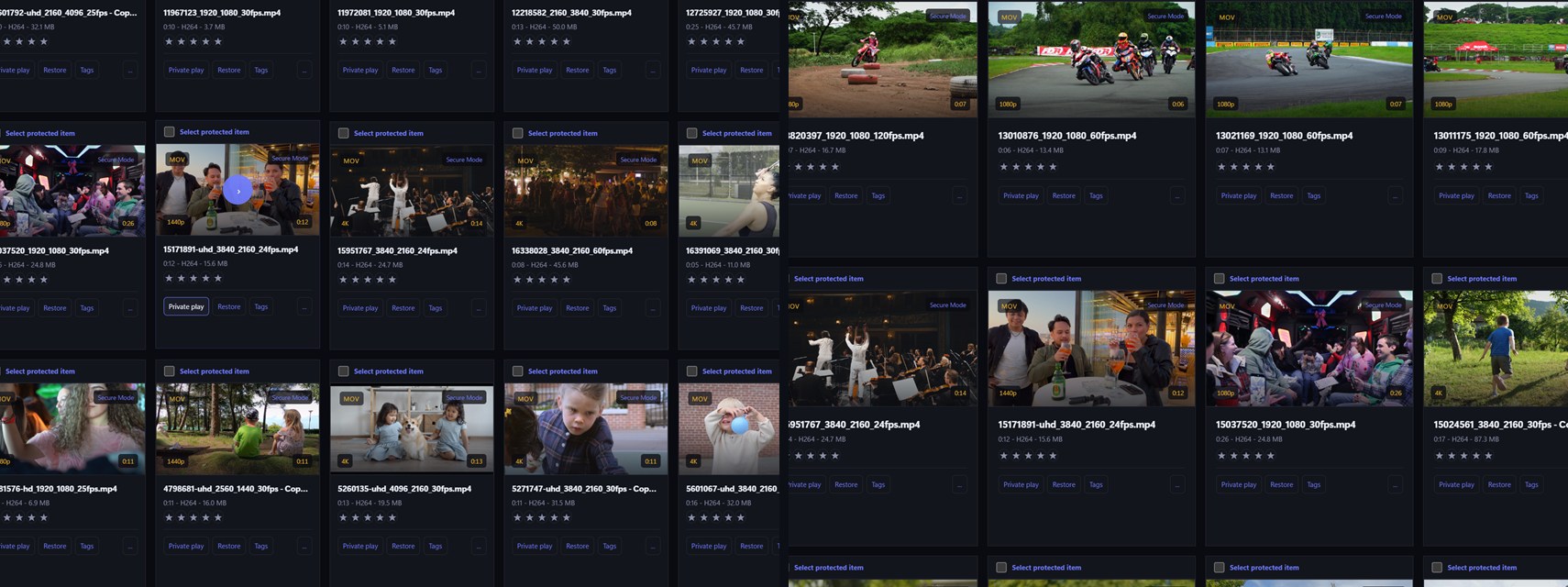


Even the codecs we can't play, play securely.
The built-in player handles just about everything. On the rare file with a codec it can't decode, it doesn't shrug — it politely tells you, opens the file in VLC, plays it there, then closes VLC and carries on with your library. Even mid-playlist, it's one smooth hand-over and back.
Seamless, not clunky
A small message — this one's for VLC — and then it simply plays. The app pre-buffers a chunk first so VLC starts smoothly, and when the video ends, VLC closes itself and your library takes back control.
VLC never sees your file
The file on disk stays fully encrypted the entire time. VLC is handed only a short-lived stream of tiny decrypted chunks under a random one-time ID — never the real file, and never its real name.
Nothing useful left behind
All VLC's history could ever show is a meaningless random ID for a stream that's already gone. VLC can't reopen the file on its own — and the next hand-off uses a different ID anyway.
Two honest modes. One-way doors, nowhere.
Point it at any number of folders. Whole trees are protected in one action — subtitles, sidecars and empty directories included — and every destructive step happens only after its replacement is verified.
Secure Mode
Real, bank-grade encryption — every file locked with its own key. This is the mode for what genuinely matters, and it's the recommended default.
Fast Mode
Hides an enormous collection in seconds when re-writing terabytes isn't practical. Honestly labelled in the app: this is concealment, not encryption — and you can upgrade files to Secure any time.
Exact restore
Files come back to their exact original folder, name and bytes — checked and double-checked, never overwriting anything. Getting your own files back is permanently free.

A library you'd use even if it weren't encrypted
Unlock, and the anonymous store becomes a modern media centre — with every frame of it encrypted at rest, including the thumbnails.

Organise privately
Create your own tags, rate anything from 0 to 5 stars — videos, photos or music — save any filter combination as a smart collection, and build playlists that mix video and audio. All of it sealed inside the catalogue, none of it visible on disk.
Saved moments & skip scenes
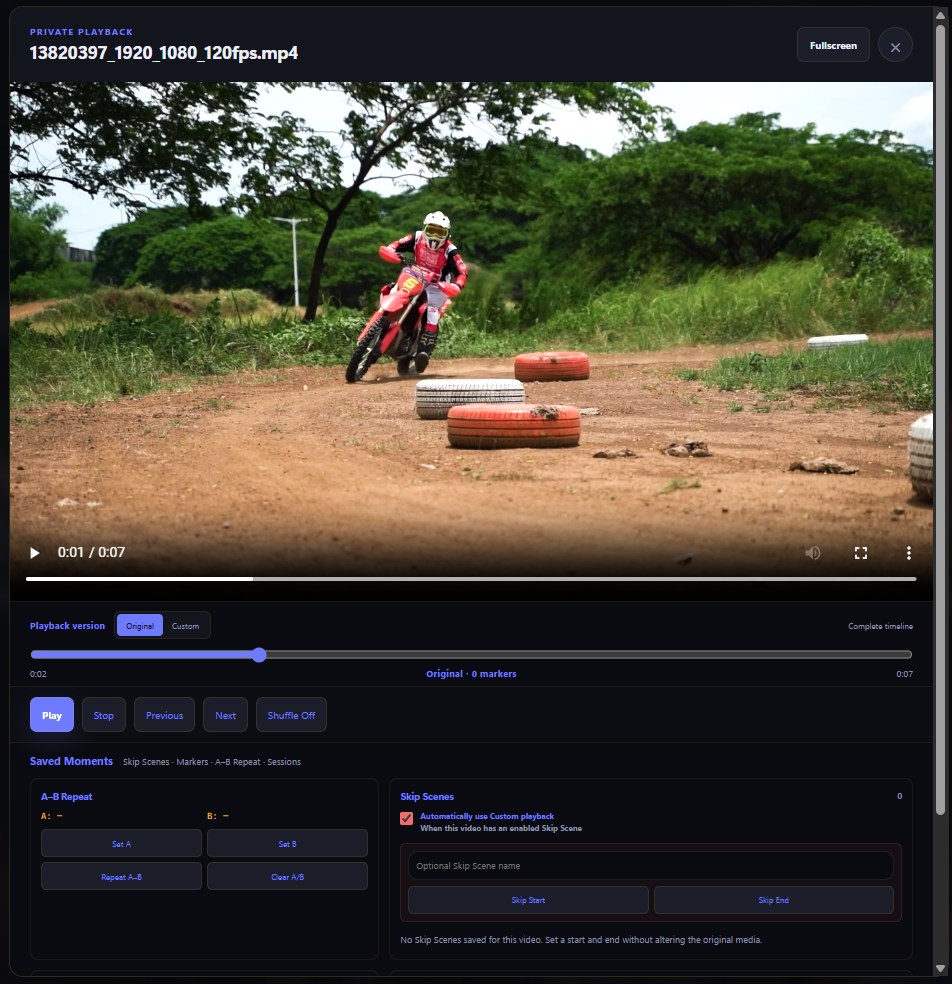
Markers, A–B repeat, named playback sessions — and per-video skip ranges that play a custom cut of any file without editing a single byte of it.
Built for big collections
Encrypted thumbnails with five-frame hover previews, generated once and cached. The library stays smooth at 10,000 items — proven by test, including on modest hardware.
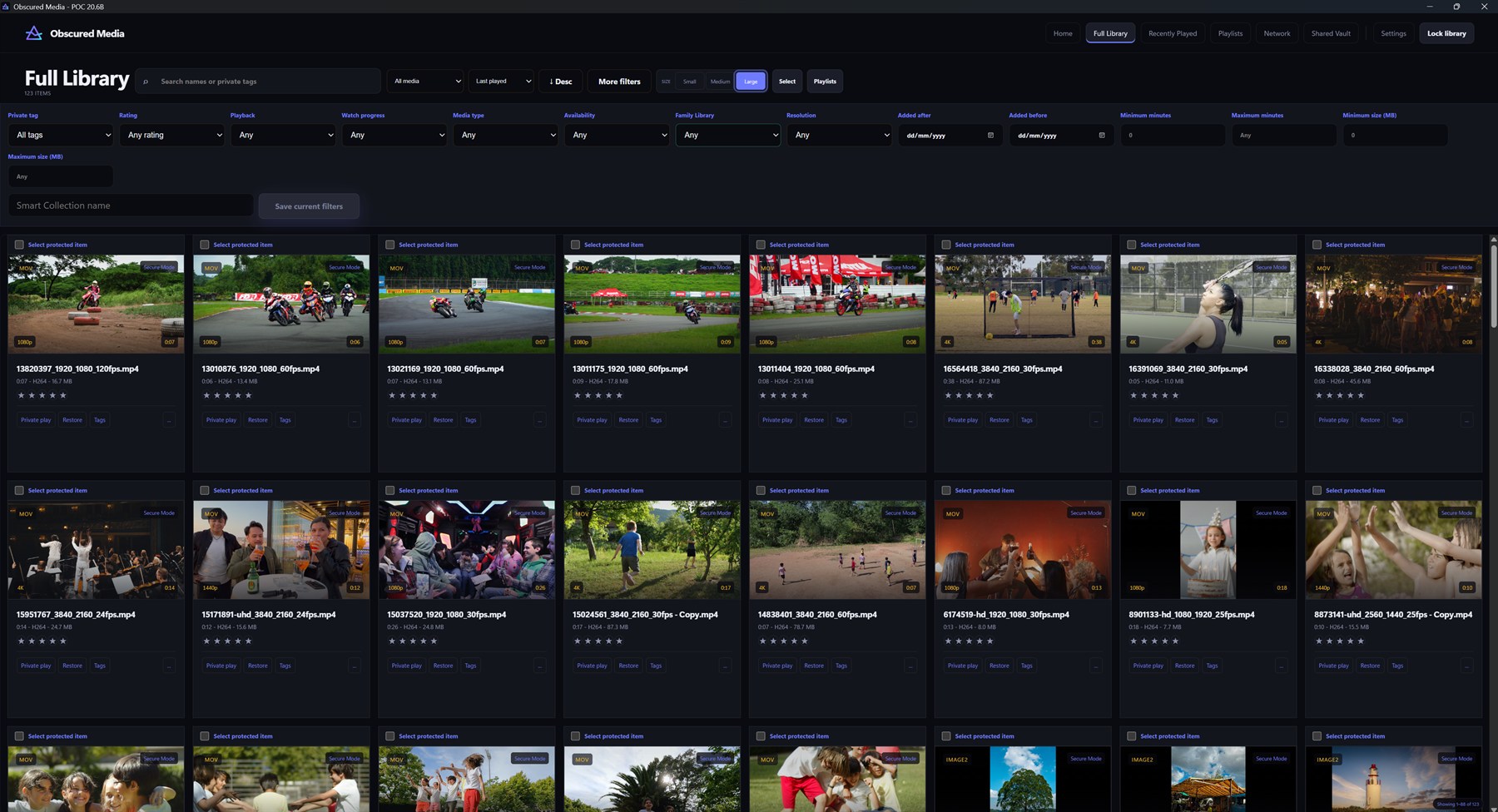
It's an image viewer — and a music player — as well.
Your photos and your music get exactly the same treatment as your videos: encrypted on disk, browsable in the same library, playable or viewable with one click — and never decrypted back onto the drive.
A real gallery
JPG, PNG, GIF, WebP, BMP and HEIC, laid out with encrypted thumbnails like any modern photo gallery. Open one full-screen, flick through the rest — everything stays encrypted the whole time.
Mixed folders just work
Real collections aren't neatly sorted — photos, videos and music share folders. Protect a folder and everything comes along, and the library shows each one the right way: videos play, photos open in the gallery, audio just plays.
Music and audio too
Your audio files live in the same encrypted library, play with the same one click, and sit in playlists right alongside video — rated, tagged and searchable like everything else.
One button. Then every screen in the house.
Press Start Server and Obscured Media checks your network and firewall for you, fixes what it safely can, and shows a green light when everything's ready. No port forwarding, no router surgery, no guesswork.
Trust you can see
Every device pairs against a pinned cryptographic identity — the phone shows a fingerprint, the headset shows six digits you approve on the PC. Discovery is never authentication.
Revocation that means it
Revoke a device and its access ends immediately — sessions cancelled, streams cut mid-transfer. Read-only by construction: no client can change, delete or export your library.
Casting, honestly (beta)
Chromecast, Google TV and Shield stream securely end-to-end. Basic smart TVs are supported too — with a plainly-worded warning first, because that path crosses your LAN unencrypted. Casting ships in beta at release: it works today, and it wears the beta label while we polish it.
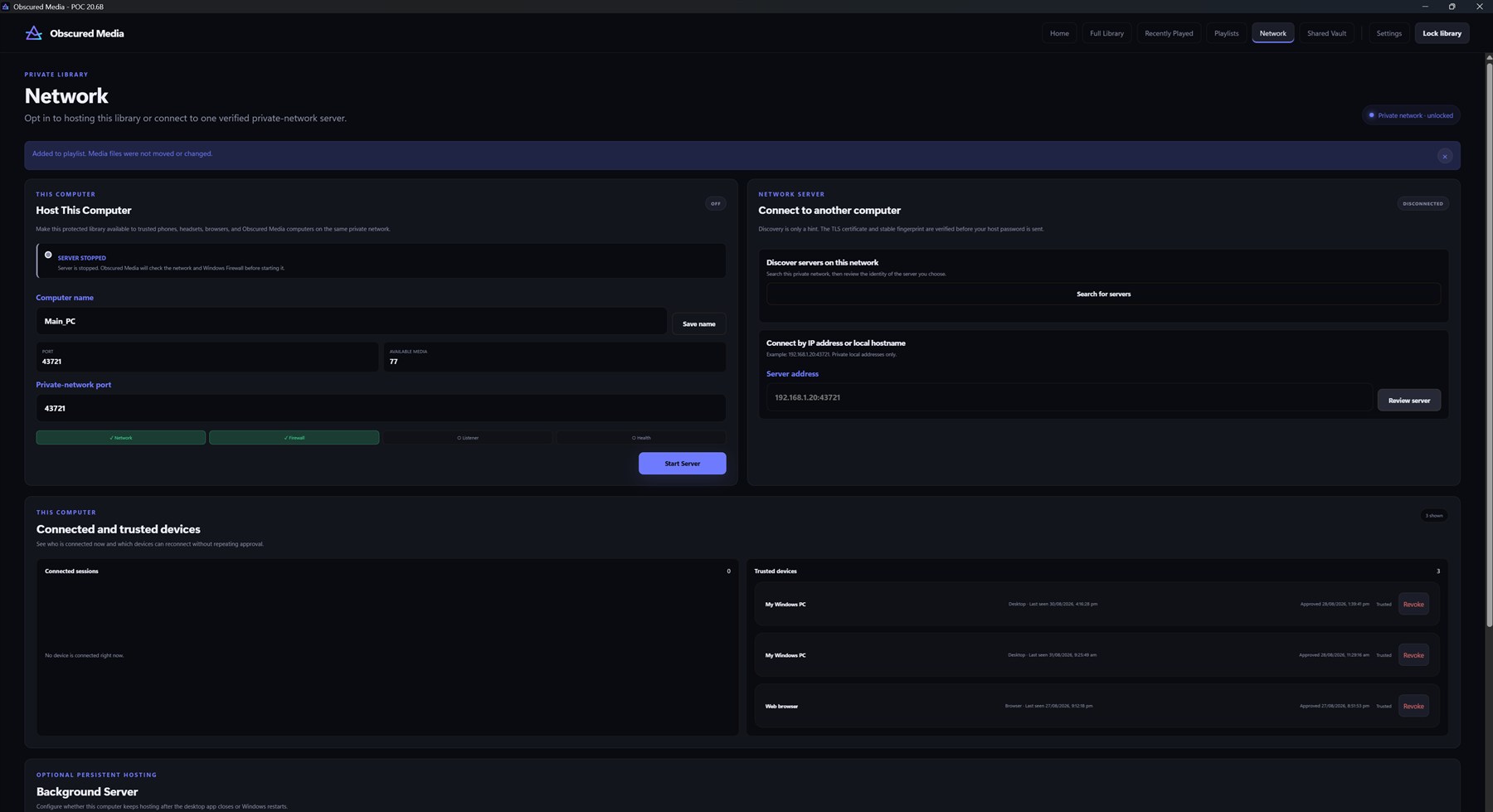
Serving, with no window to see.
Flip on the optional background service and the library streams to your devices without the desktop app being open at all. Nothing on the screen, nothing to explain — the computer looks like it's doing nothing. It isn't.
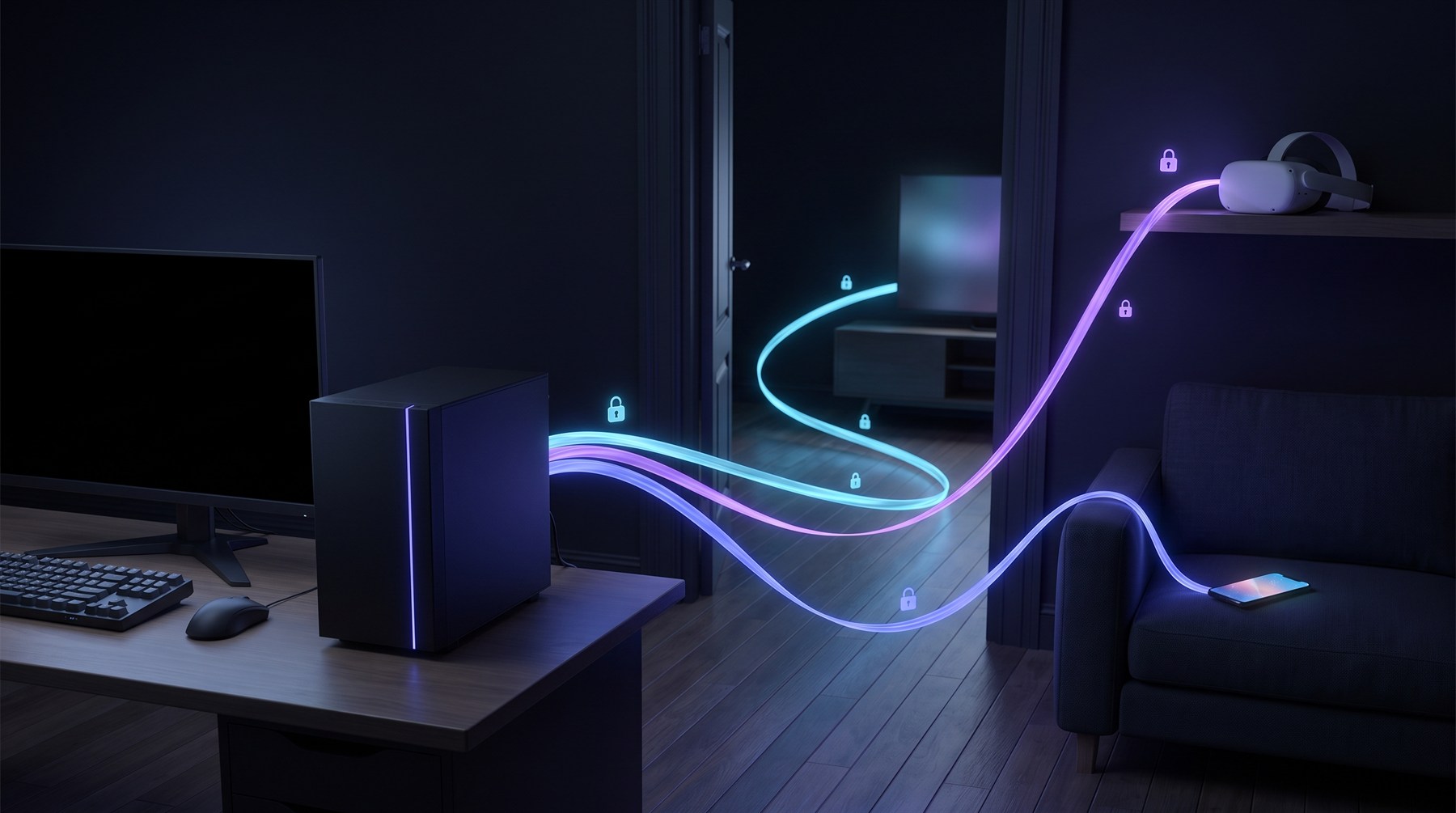
No interface, ever
Devices reach the library while the monitor shows whatever it shows — a spreadsheet, a browser, the lock screen. The person at the keyboard sees nothing media-related at all.
Three modes, your call
Off. Start-with-Windows, but locked until you unlock it once. Or fully always-on — serving from the moment the PC boots, before anyone even logs in at the desk.
Reachable is not readable
Invisibility never weakens security: every phone, TV and headset still authenticates before a single byte is decrypted. It never installs itself, you enable it deliberately, and turning it off means off.
The spreadsheet defence.
Put on the headset and you're in your own private cinema, watching your library on a giant screen. The PC doing the streaming? Its monitor shows whatever it was already showing — a spreadsheet, an idle desktop, nothing at all. There's no player window, no titles, no thumbnails, no screen mirroring — and the files it streams from stay encrypted the entire time. Anyone glancing at that monitor sees a computer doing precisely nothing.
Pair once, effortlessly
The headset shows six digits; you approve them on the PC. That's the whole setup — no password typing in VR, ever. It reconnects by itself from then on.
A cinema, not a screen
A huge virtual theatre display with full playback controls — and passthrough when you want the real room back. Your whole library, browsable from the couch.
Gone in one keystroke
Lock the library on the PC — or hit the Boss Key — and every stream stops instantly. The headset holds nothing: no files, no cache, no trace.
Any screen with a browser is already a client.
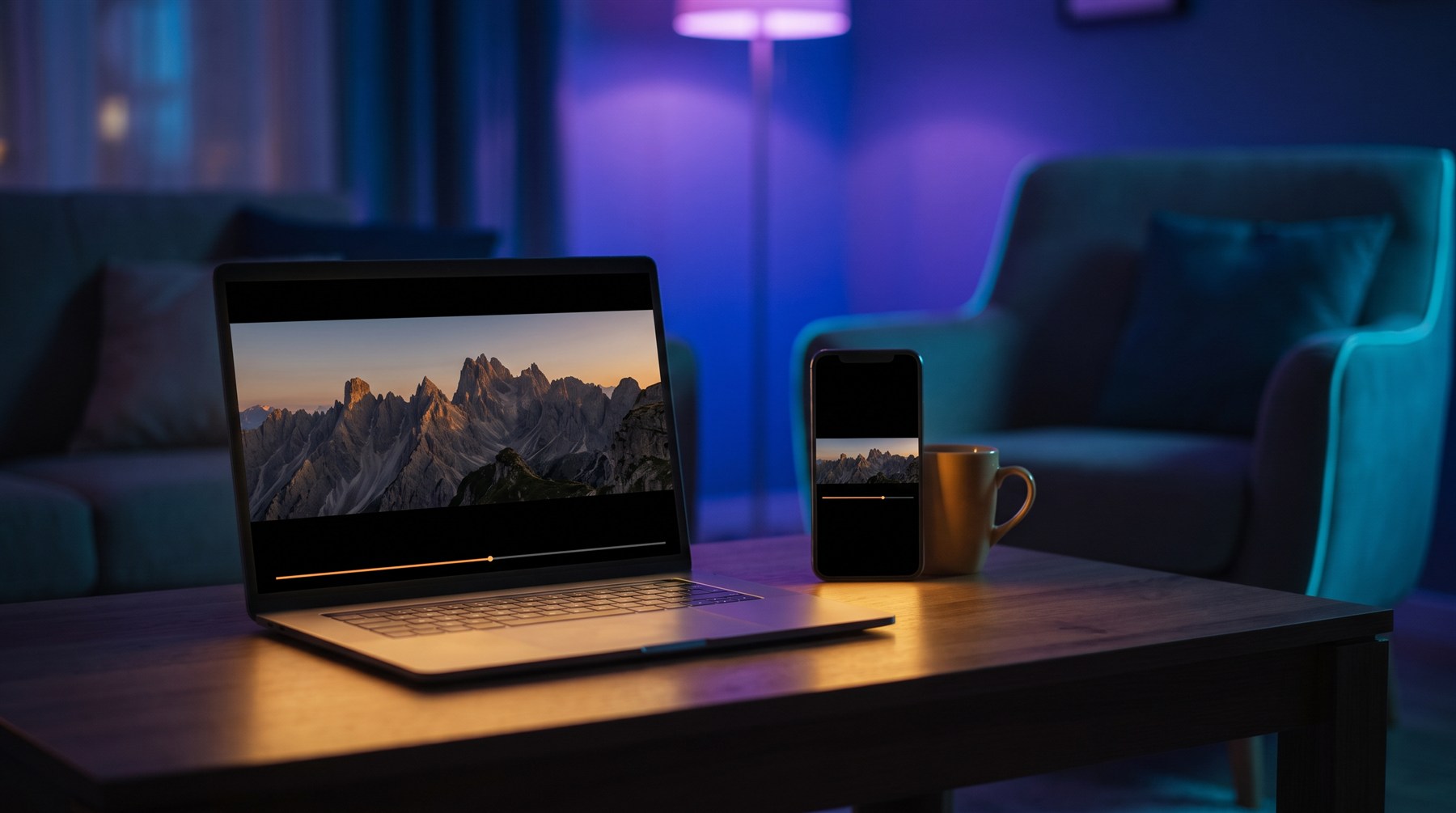
iPhone, iPad, Mac, Linux — the screens with no app to download don't miss out. Your PC serves a full library client straight into the browser: open the address it shows you, sign in, and your whole collection is there with real thumbnails and one-click play. No app store, no install, no admin rights, no updates.
Nothing to install, ever
A houseguest's iPad, your work Mac, an old Linux laptop — if it has a browser, it can be watching in under a minute. There's nothing to download and nothing left to uninstall.
No website in the middle
The page comes from your own PC, over HTTPS, on your own network. There is no cloud service hosting your library and no account with anyone — your house is the whole internet this needs.
Same rules as every client
The browser signs in and gets approved like any device — nothing decrypts without it. It's read-only by construction, your files stream rather than being stored on the device, and you can cut it off instantly.
Two computers. One set of protected files.
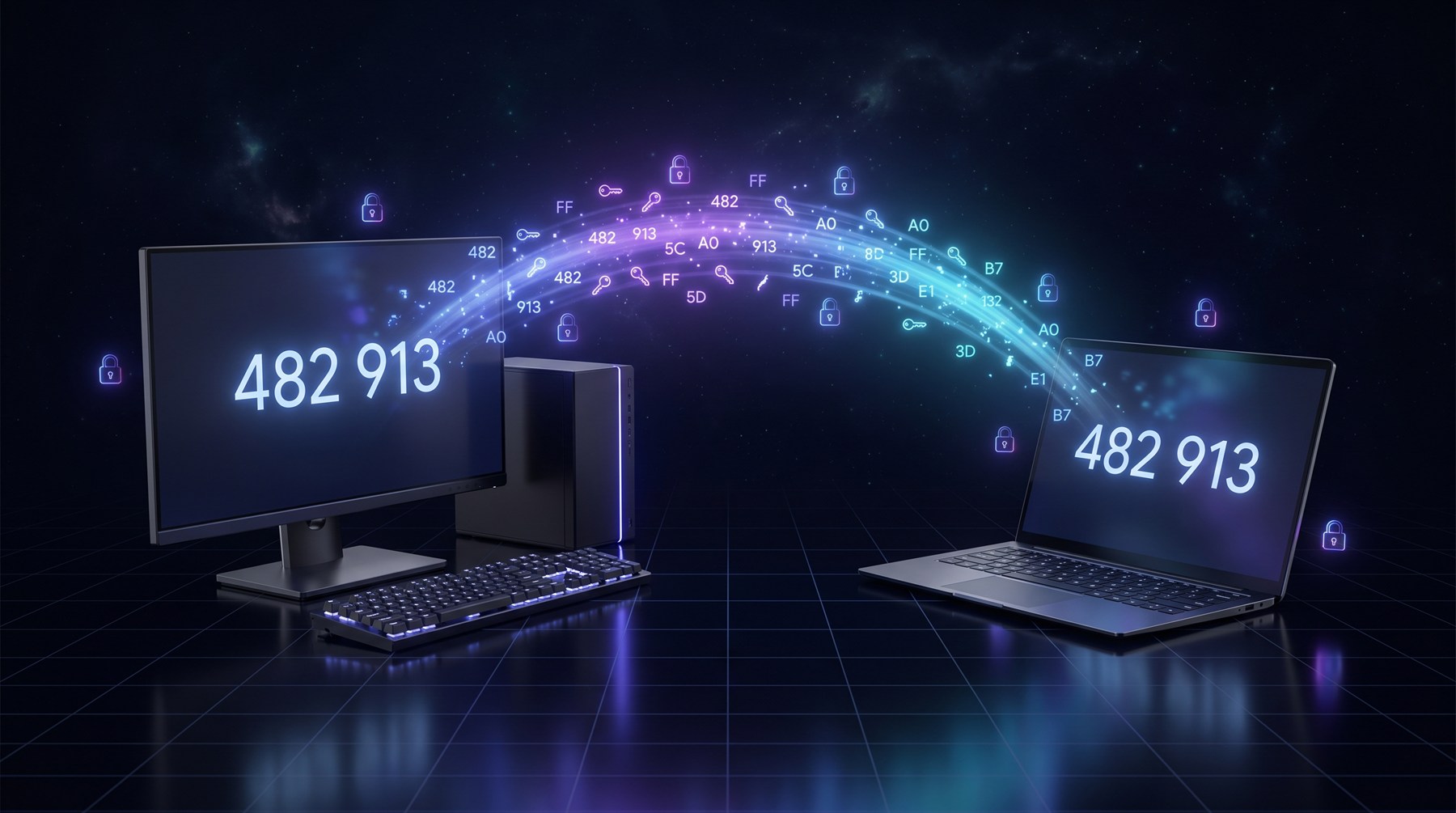
Shared Vault enrols a second computer through a mutual, human-confirmed ceremony — both machines compare the same code before a single key moves. After that, Secure Mode files carried on a USB drive open on both, while every library, password and catalogue stays local.
Keys move. Nothing else does.
Enrolment shares only media-wrapping keys — never your password, recovery file, catalogue or history. There is no sync, no cloud, no shared account.
Honest about its limits
A file whose key is missing says "needs a key from another computer" — never "corrupt." Removing a device is labelled what it is: keys already shared can't be recalled, and the UI says so.
One library. Two passwords.
One encrypted library, split down a line you draw. The Family Library is a second, optional password that opens only what you've marked as safe for the family — hand it to the kids and the child-friendly half is all that exists for them. It keeps its own watch history and resume, so nobody's activity leaks into anybody else's.
Curated, not filtered
Nothing is visible to the family password until you explicitly add it — per item or per folder. New files stay yours-only until you decide otherwise. Secure by default.
Enforced everywhere
The boundary holds across search, playback, thumbnails, playlists and every connected device. A family session simply cannot see an unassigned item — it doesn't exist for them.
The Boss Key
Ctrl+Shift+F12: instantly mutes, stops playback, revokes every session and returns to the ordinary lock screen. One keystroke, clean exit, nothing to explain.
Easy to use. Not shallow.
Everything below ships in the box today — and almost all of it is in the free tier. Simple on the surface is the hard part; this is what's underneath.